Key Takeaways:
PSD to WordPress conversion transforms static designs into fully responsive, high-performance WordPress websites.
- White label services allow agencies to deliver WordPress projects under their own brand without hiring in-house developers.
- A professional conversion ensures pixel-perfect accuracy, mobile responsiveness, SEO-friendly code, and fast page loading.
- Agencies can scale faster, reduce operational costs, and take on more client projects with a trusted white label partner.
- Choosing an experienced white label provider improves project quality, reduces turnaround time, and ensures ongoing support.
- By 2026, outsourcing PSD to WordPress development is a smart strategy for agencies looking to increase profitability while maintaining high-quality client deliverables.
Design teams still hand off flat PSD files more often than you’d think — legacy workflows, agency preferences, or clients who’ve worked with the same designer for years. PSD to WordPress conversion turns those static designs into fully functional, responsive websites. Here’s how agencies should run this process, and how to resell it profitably.
What Is PSD to WordPress Conversion?
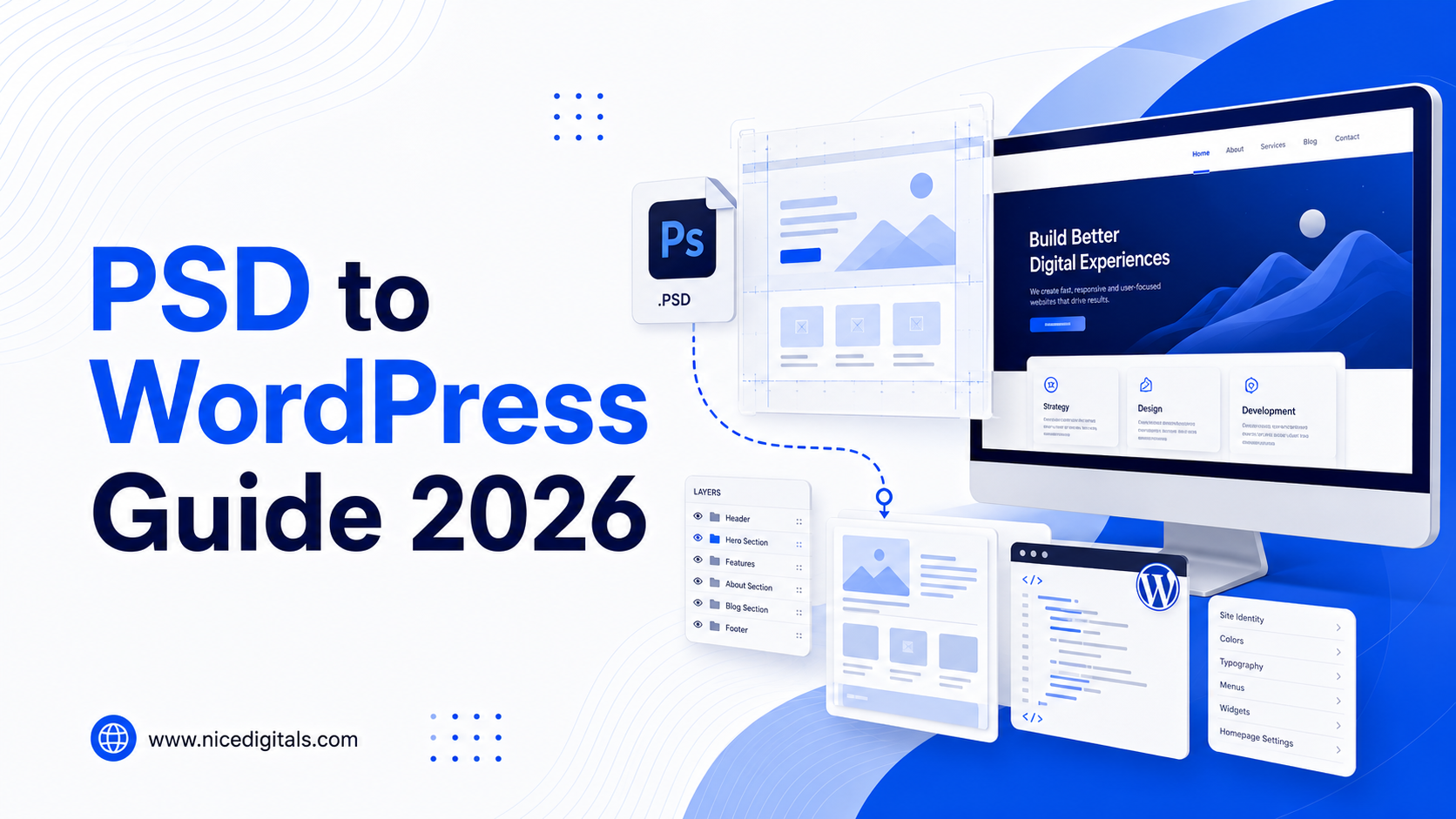
PSD to WordPress conversion is the process of turning a static Photoshop design into a working WordPress theme — slicing the design into assets, coding it into HTML/CSS, and building it into a functional, editable WordPress site. Unlike a Figma or website builder handoff, PSD files require more manual interpretation since there’s no built-in responsive or interactive layer.
Agencies offering PSD to WordPress conversion services need a structured workflow to avoid scope creep, since flat files often leave layout and interaction details open to interpretation.
The File Handoff: What to Request from Clients
Before starting any PSD to WordPress theme build, request:
- Layered PSD files — not flattened images, so text and elements stay editable
- Font files and licensing used in the design
- Image assets at full resolution where possible
- Any style guide or brand notes clarifying spacing, colors, and interaction intent
A flatbed or missing layers in the files will slow slicing dramatically and should be indicated before offering the project.
Step-by-Step: The Conversion Process
- Slicing — extracting images, icons, and background assets from the PSD
- HTML/CSS coding — building a static, pixel-matched version of the design
- Making it responsive — adapting fixed-width PSD layouts for mobile and tablet
- WordPress theme development — converting static HTML into a functional WordPress theme with template files
- Plugin and functionality integration — forms, custom post types, e-commerce if needed
- QA testing — cross-browser, cross-device, and functionality checks
- Client review and revisions before launch
This workflow mirrors the build standards covered on our WordPress Development service page, adapted specifically for flat-file design handoffs.
Where Projects Commonly Go Wrong
Agencies offering a PSD to WordPress service should watch for:
- Undefined responsive behavior — PSDs show one fixed layout; mobile breakpoints need separate decisions
- Font licensing gaps — custom fonts in the PSD may not be web-licensed
- Interaction ambiguity — hover states, animations, and menu behavior aren’t shown in a static file
- Scope creep from “small tweaks” that require re-slicing assets
Clarifying these upfront in the quote prevents most mid-project disputes.
What to Test Before Launch
Prior to letting any PSD to WordPress conversion in GoDaddy:
- Cross Browser supports (Chrome, Safari, Firefox, Edge)
- The app is responsive on mobile and tablet.
- Form submissions and plugin functionality
- Page speed and image optimization
- Designing for performability (using the keyboard, contrast, alt text).
Figma to WordPress: The Modern Alternative
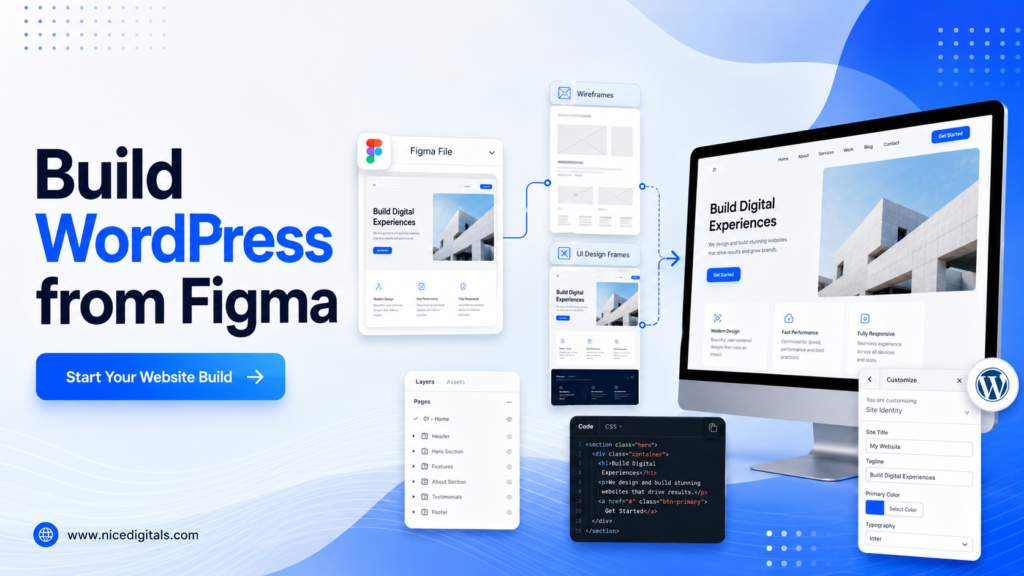
Many design teams have shifted from PSD to Figma, which offers built-in responsive frames and cleaner developer handoff. Agencies increasingly offer white label Figma to WordPress conversion alongside traditional PSD work, since Figma files reduce ambiguity around responsive behavior and spacing. For clients still working in Photoshop, though, PSD to WordPress conversion remains a steady, billable service.
Reselling as a White Label Service
Agencies without dedicated front-end developers can offer PSD to WordPress conversion services through a white label partner — branding the delivered theme as their own build. This lets smaller agencies take on design-to-development projects without hiring specialized coders. It also pairs naturally with ongoing support, covered in our WordPress Maintenance post, once the site launches. The White Label WordPress Development service page gives you a list of features and how it is delivered end-to-end.
FAQs for PSD to WordPress Conversion
How to convert PSDs into WordPress?
The process of developing a theme in Photoshop and integrating plugins and creating a complete and responsive WordPress site.
What does a conversion to WordPress from PSD usually take?
The development of most projects is approximately 1-4 weeks, depending on the pages and functional complexity, plus deliverables for the QA tests before launch.
Is there any option available to assist agencies in converting PSD to WordPress without in-house developers?
Yes. A white label PSD to WordPress service will permit agencies to give these builds while trying them with a check that it has the ability to use a devoted outside group and promote them under it.
Final Thoughts
Even when design is now done on Figma, and this is shifting from PSD to WordPress conversion is still consistent. Agencies can transform a flat design file into a rock-solid website development with a clear handoff process, strong quality assurance and even white label resales, making it highly profitable.