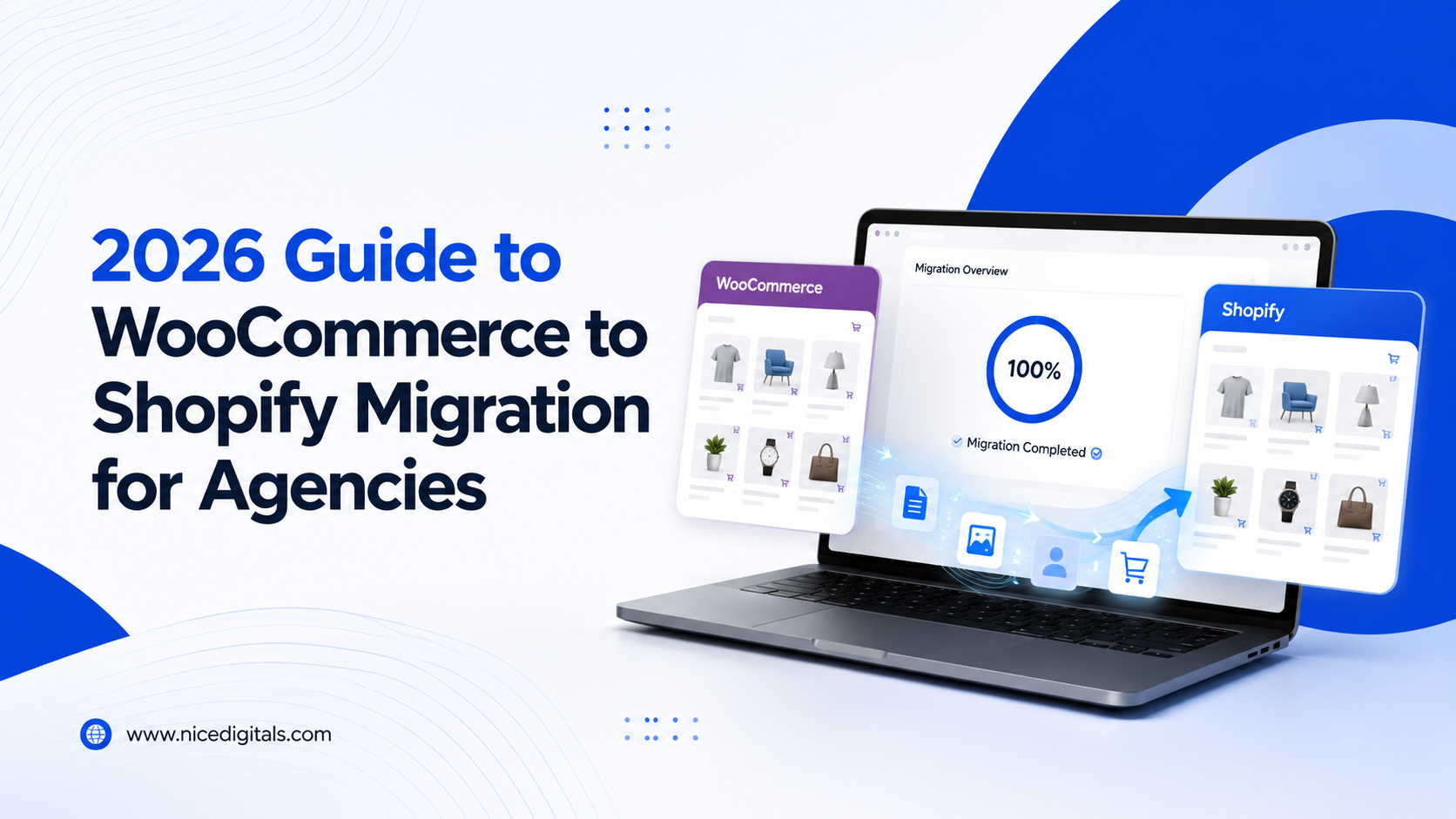
Agencies can expect WooCommerce clients to outgrow WooCommerce more often than they would think. Store owners face plugin compatibility issues, hosting complications, and scalability challenges, which lead them to Shopify’s managed platform. A WooCommerce-to-Shopify migration done right preserves rankings, orders, and customer data — done wrong, it costs clients real revenue. Here’s how agencies should deal with it.
Why Clients Select Shopify over WooCommerce
Agencies typically see this request for a few consistent reasons:
- Hosting and plugin fatigue—WooCommerce requires constant plugin and server management
- Scaling limits — high-traffic stores strain shared or poorly optimized WordPress hosting
- Built-in payments and checkout — Shopify simplifies what WooCommerce needs plugins for
- App ecosystem — easier access to marketing and fulfillment integrations
Once agencies know these drivers, they can accurately scope a WooCommerce to Shopify migration, from the initial client conversation.
When moving house, you should check the following points before moving to a new home:
Before any migrate WooCommerce data project begins, complete this checklist:
- Full product catalog export — SKUs, variants, images, descriptions
- Customer and order history — needed for continuity and reporting
- URL inventory from Google Search Console
- Top-performing pages by organic traffic
- Existing redirects and plugin-based functionality that needs a Shopify equivalent
The Following guideline offers a step-by-step look at the process for migrating from WooCommerce to Shopify.
Step-by-Step: WooCommerce to Shopify Migration Process
- Create Shopify store on a staging or development URL.
- Migrate WooCommerce data — products, customers, orders — using a migration app or CSV import
- Map every old URL to its new Shopify equivalent
- Before launch: Go ahead and set up 301 redirects for the full URL map.
- When Shopify has a different structure to the meta title, description, or schema, try to recreate it.
- Test checkout, payment gateways, and shipping rules thoroughly
- Launch and submit updated sitemap to Search Console
- Monitor the rankings/ order flow closely for the first 4-6 weeks.
This is the opposite of the SEOContinuity discipline discussed in our Shopify to WooCommerce migration post.
Data Preservation: What Often Gets Missed
A clean WooCommerce to Shopify migration service should account for:
- Product variants and custom attributes — these don’t always map 1:1
- Historical order data — needed for accounting and customer service continuity
- Reviews and ratings—often require a separate app-based transfer
- Custom WooCommerce plugin functionality—subscriptions, memberships, or custom pricing rules need Shopify app equivalents
Agencies that skip auditing plugin-dependent features often discover gaps only after launch, when clients notice missing functionality.
SEO Continuity During Migration
To protect rankings through a WooCommerce to Shopify migration:
- Redirect every indexed URL, even low-traffic pages
- Preserve heading structure and content depth on top pages
- Rebuild schema markup for products and reviews
- Keep internal linking patterns intact, especially to bestsellers and category pages
This level of care is the same standard we apply across platform migrations covered on our E Commerce Development service page.
Offering This as a White Label Service
Agencies without in-house Shopify specialists can offer WooCommerce to Shopify migration through a white label partner — branding the deliverable as their own while a specialized team handles data migration, redirects, and theme build. This lets smaller agencies compete with the best agencies for WooCommerce to Shopify migration without hiring dedicated Shopify developers. Our White Label Services overview page covers how this delivery model works across platforms.
FAQs WooCommerce Shopify Migration
What about Rank SEO during WooCommerce to Shopify conversion?
If redirects did not get set up properly and content structure maintained — most sites stabilize within 4-6 weeks of going live.
What is possible to move my WooCommerce data to Shopify?
Yes, but it is common that custom plugin functionality may require the installation of a Shopify app like subscriptions or membership pricing.
What is WooCommerce Shopify Migration Cost?
The cost will depend on your catalog’s size as well as how complex your plugins are; most agencies will estimate smaller stores as a flat fee in scope, which comes more in line with your quote being based on auditing your store ready for a full range of plugin quotes.
Final Thoughts
In a Successful WooCommerce to Shopify Migration, a client’s position, content, and revenue are all safeguarded by a well-designed approach. With proper URL mapping, thorough data preservation, and post-launch monitoring, agencies can deliver a migration service clients trust — whether in-house or through a white label partner.