










White Label WordPress Onboarding: A Step-by-Step Agency Guide
White label WordPress onboarding involves the agency avoiding the complications of setting up a WordPress website. They have the option of providing their clients with a website and still maintaining the brand look and feel. There is also a distinct process for selecting the projects, designing, constructing, testing, branding, and delivering the site.
It will also be crucial to have sites indexed by search engines and AI systems such as ChatGPT, Gemini, Perplexity, and Google AI Overviews in 2026.
The well-structured website, content and completeness, mobile usability, and rules given by the business owner help to make the site more user-friendly, as well as make it favored by Google.
Key Takeaways
- Define objectives, schedules, access requirements, and accountability before beginning development.
- Find problems by using staging areas and quality checking.
- Complete every project with SEO basics, admin reference documents, and clear handoff documents.
What Does White Label WordPress Onboarding Include?
White label WordPress onboarding is the process of preparing a website project for development and delivery under your agency’s brand. Provides your team and development partner with a shared plan.
- These are the typical duties for onboarding:
- Gathering the client’s objectives, content, and brand.
- Verifying Pages, features, and integrations of websites.
- Establishing deadlines, revision limits, and approval procedures.
- Inferring safe hosting, domain setup, and tool usage. Ensuring safe domain setup, hosting, and tool usage.
- Learning how to set goals and criteria for performance, SEO, and quality.
By using a White label WordPress development service, agencies can handle development and adhere to their brand with their clients.
Step-by-Step WordPress White Label Onboarding
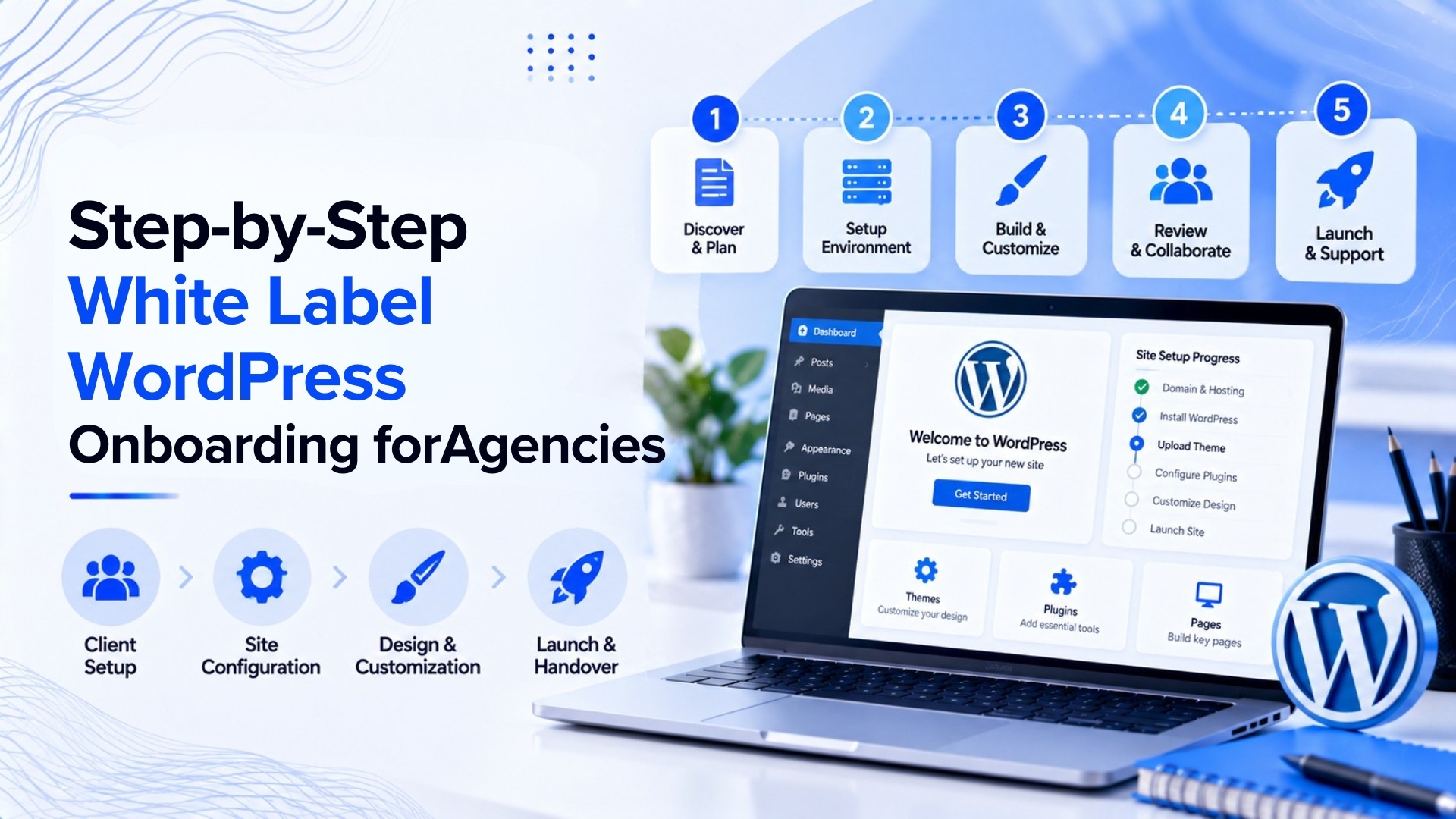
Step 1: Collect the Project Brief
Have a clear brief. Create a list of the target audience, business objectives, number of pages needed, design references, and other features of the websites required. Agree on when the project will require a blog, booking system, or online store or require CRM integration.
For instance, a local plumbing company could require pages on their website for customers to look at, forms to fill out, details about where they are, and feedback areas to receive reviews. Record any requirement before work begins.
Step 2: Scope and Timeline:
We have a list of what needs to be delivered, when everything is due, and where decisions will be made.
We’ll also explain how many times we can revise the work and how any new requests might affect the cost or time.
Once development has started, this step helps avoid confusion when a client wants an additional page or feature.
Step 3: you’ll get ready with Access and Brand Assets.
Gather the title, brand color, typeface, photos, website text, domain name, and web hosting. Secure access and permissions allocated only where necessary.
Step 4: Do not share your passwords in plain text with anyone—even in emails.
For this step, students will create and test their website using the instructions below. Develop the website based on approved design & scope. Before it is sent out for review, check mobile layouts, forms, navigation, page speed, and plugin compatibility.
A structured white label WordPress onboarding process should clearly provide progression points, itemize feedback, and outline a process for addressing problems.
How to Set Up WordPress for Agencies and Client Branding
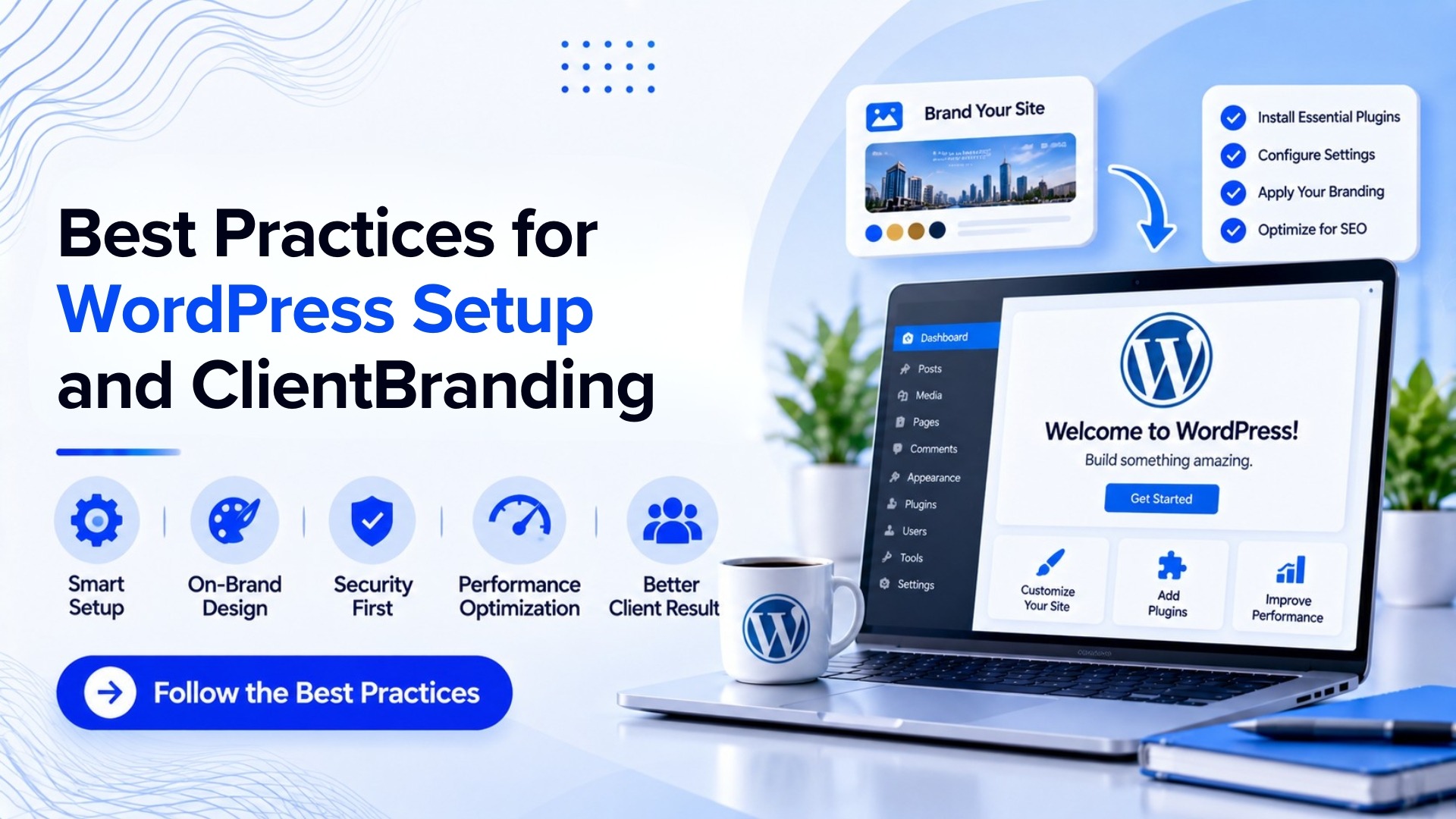
A white label system gives clients the same branding experience as an agency. You can edit the login page, admin logo, welcome message on the dashboard, and the links available in the help page depending on the tools and your project requirements.
Clear up useless panel junk, but still display useful WordPress notices and security data. Don’t obscure important warnings for a cleaner dashboard.
Provide straightforward guidance regarding editing pages, picture uploads, and Publishing blog posts if clients plan on handling their own material. Give them suitable user roles rather than administrator access by default.
How to—Set Up WordPress for Agencies and Client Branding
A staging site is a private copy where changes can be tested before publication on the ‘live’ site. It eliminates broken pages, failed forms, or surprising design issues.
Before launch, check:
- Design: Mobile-friendly and responsive designs.
- Working: Forms, links, menus, and connections to other services are all working properly.
- SEO: Meta descriptions added, page titles added, image descriptions added, headings, and XML sitemap.
- AI search readiness: Content responds to actual questions, headings are legible, and business information is consistent throughout the site.
These checks can enable search engines as well as AI systems to comprehend what a web page is about. But none of these setups can ensure citations or Google AI Overviews‘ recommendations for ChatGPT.
What is included in the final handoff?
Arrange to have the following submitted to the agency before a project is considered complete:
- The approved live website and staging details, where needed.
- List of installed plugins, available themes, and integrations.
- Admin access details shared securely.
- Information related to backup and recovery.
- Record of tests completed and outstanding issues.
- Basic instructions for content editing and future updates.
This means regular updates, backup systems, security measures and performance monitoring for smooth running.
Things to Keep In Mind
The problem is when the idea of the project is vague, content is missing, there is no testing, and there is no writing handoff.
They can be prevented by simply adopting a common checklist that agencies can utilize for each project.
Tidy WordPress white label hosting also helps by making roles clear.
It shows who approves designs, handles client feedback, and fixes technical issues. This reduces delays and helps keep the client relationship strong.
FAQS For White Label WordPress
What are the components of WordPress Onboarding?
Standard WordPress Onboarding involves project discovery, scope setting, asset collection, access setup, development prep, testing on staging, SEO review and delivery.
What is the time for white label WordPress setup?
Creating a simple website can take anywhere from a few days to a few weeks, depending on the size and complexity of the site, while creating a larger website with custom features or integrations and extensive content can take several weeks.
Could small agency teams take advantage of white label WordPress?
Yes. Apps installed onto small agencies can benefit from utilizing a repeatable onboarding method to help smaller businesses produce more tasks without having to employ a complete in-house development team. The work will be structured around clients’ technical requirements and executed by trusted partner and client communications will be retained with the agency.